

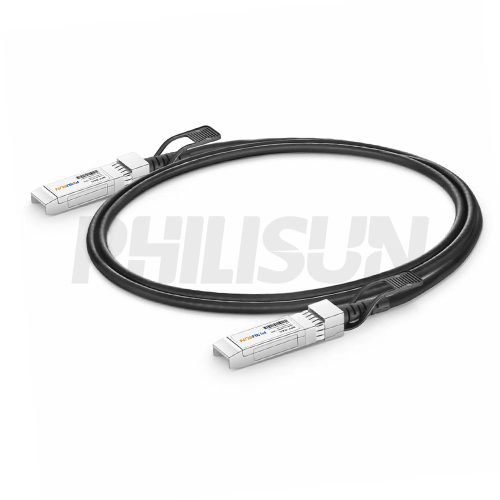
1G SFP DAC Cables
Short-reach copper cable for 1G switch, server and storage ports. Choose length, cable design and host compatibility.
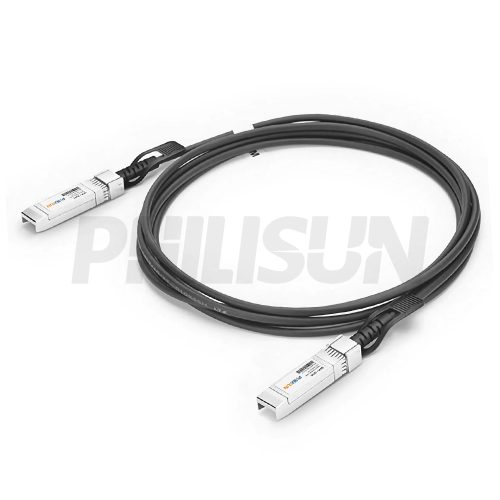
10G SFP+ DAC Cables
Short-reach copper cable for 10G switch, server and storage ports. Choose length, cable design and host compatibility.
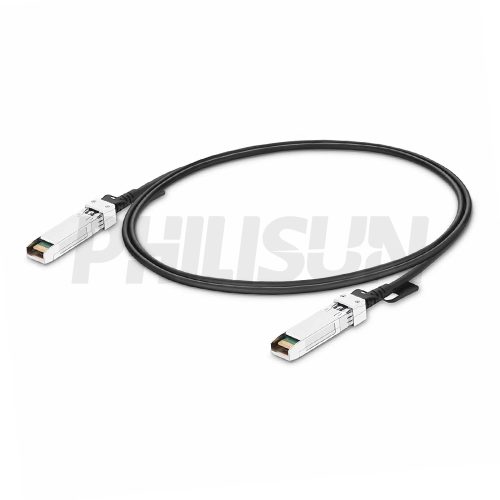
25G SFP28 DAC Cables
Short-reach copper cable for 25G switch, server and storage ports. Choose length, cable design and host compatibility.
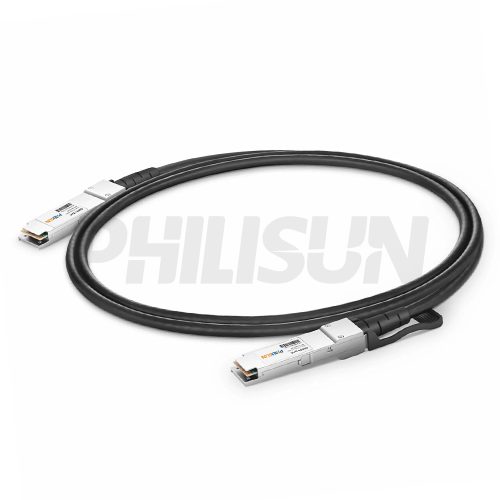
40G QSFP+ DAC Cables
Short-reach copper cable for 40G switch, server and storage ports. Choose length, cable design and host compatibility.
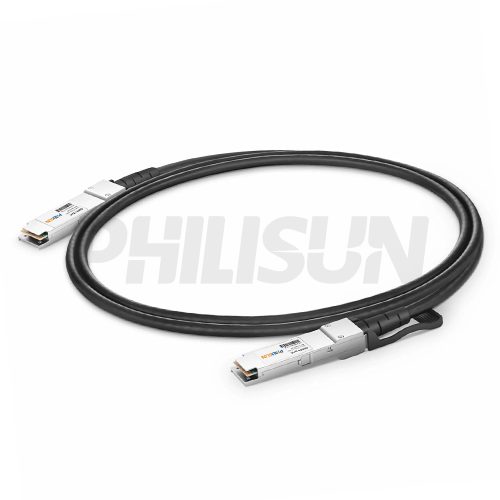
56G QSFP+ DAC Cables
Short-reach copper cable for 56G switch, server and storage ports. Choose length, cable design and host compatibility.
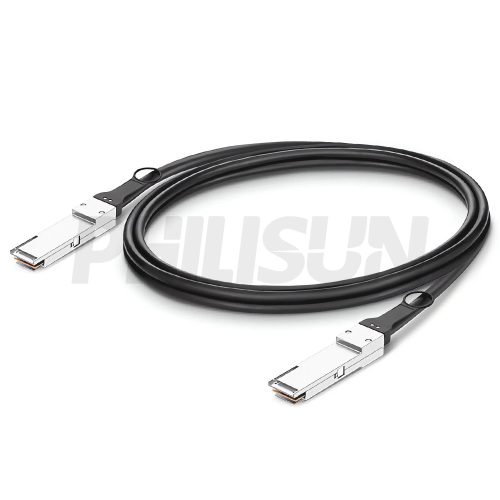
100G QSFP28 DAC Cables
100G QSFP28 copper cable for short switch-to-server links. Choose passive or active design, length and host compatibility.
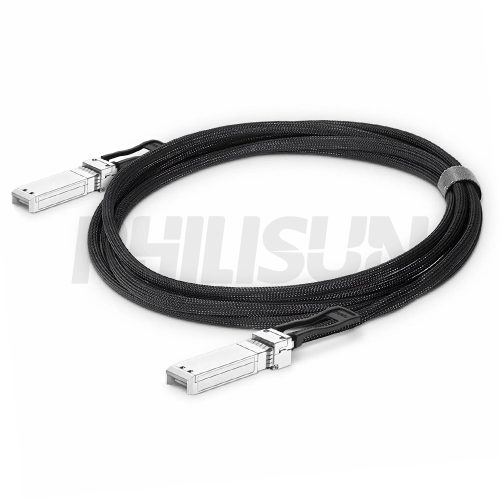
100G SFP112 DAC Cables
100G SFP112 copper cable for compact 100G ports. Match length, cable design and equipment compatibility.
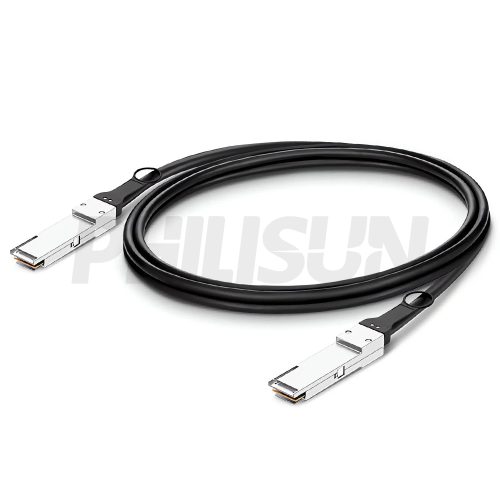
200G QSFP56 DAC Cables
200G QSFP56 copper cable for short-reach 200G interconnects. Choose length, passive/active design and host platform.
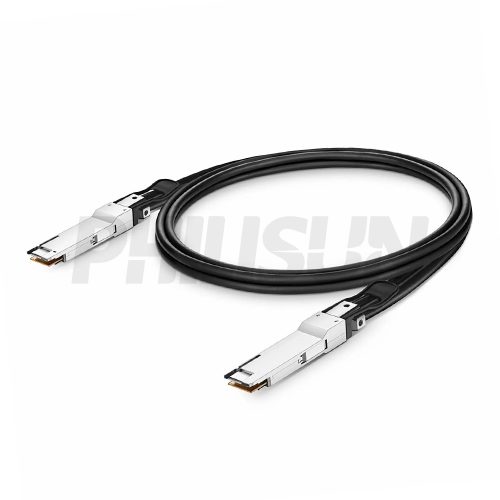
200G QSFP-DD DAC Cables
200G QSFP-DD copper cable for high-density switch links. Match length, cable design and port compatibility.
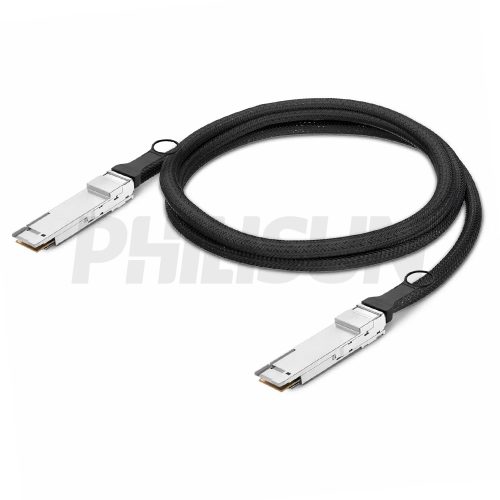
400G QSFP-DD DAC Cables
400G QSFP-DD copper cable for short 400G data center links. Choose passive or active design, length and host support.
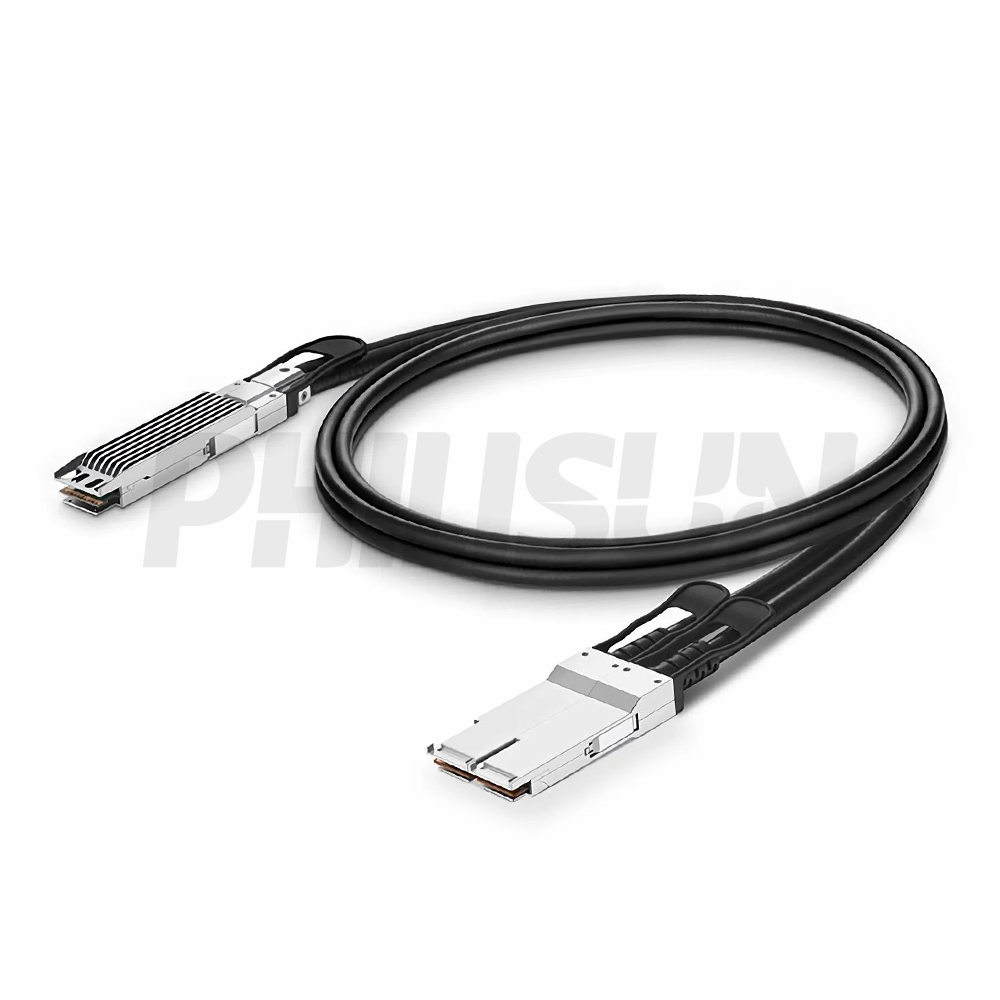
400G OSFP DAC Cables
400G OSFP copper cable for OSFP switch and server ports. Match length, cooling design and platform compatibility.

DAC Cable Selection Guide
A DAC cable, or direct attach copper cable, is a short-reach high-speed assembly used between switches, servers, storage and network adapters. PHILISUN supplies 1G to 800G DAC cables with SFP, SFP+, SFP28, QSFP+, QSFP28, QSFP56, QSFP-DD and OSFP form factors for data center and AI/HPC interconnects.
| DAC speed family | Common ports | Best fit | Browse series |
|---|---|---|---|
| 1G, 10G and 25G DAC | SFP, SFP+, SFP28 | Short server, storage and top-of-rack links where copper is cost-effective. | 25G SFP28 DAC |
| 40G, 56G and 100G DAC | QSFP+, QSFP28, SFP112 | Switch interconnects, aggregation links and short high-density cabinet runs. | 100G QSFP28 DAC |
| 200G DAC | QSFP56, QSFP-DD | High-bandwidth data center, storage and AI/HPC short links. | 200G QSFP56 DAC |
| 400G DAC | QSFP-DD, OSFP | Dense switch, GPU and aggregation links where route length is limited. | 400G QSFP-DD DAC |
| 800G DAC | OSFP | Short high-speed AI/HPC and next-generation data center interconnects. | 800G OSFP DAC |
How to choose DAC cables
- Confirm speed and port: match the DAC form factor to the switch, NIC, server or storage port on both ends.
- Check length and AWG: short links can use thinner, more flexible cable; longer passive DAC runs may need a larger wire gauge or a different cable family.
- Compare cable families: use DAC for short, low-cost copper links; compare AOC cables, ACC and AEC when reach, airflow, bend radius or signal margin becomes a concern.
- Validate compatibility: EEPROM coding, host alarms, port speed, FEC behavior and mixed-vendor environments should be checked before deployment.
- Plan installation details: cable bend radius, airflow, port density, labels, packaging group and spare strategy all affect operations after installation.
| Project scenario | Recommended focus | Related PHILISUN page |
|---|---|---|
| Top-of-rack server links | Short passive DAC links with verified host compatibility and practical cable routing. | Data Center Fiber Solutions |
| AI/HPC cluster cabling | High-speed QSFP-DD or OSFP DAC where reach is short and signal margin is controlled. | AI & HPC Network Fiber Solutions |
| DAC vs AOC/ACC/AEC decision | Compare cost, reach, power, weight, bend radius, airflow and coding by link length. | AOC, DAC, ACC & AEC Cables |
| Optical alternative for longer routes | Use transceivers plus fiber when the link must pass through patch panels or longer fiber routes. | Optical Transceivers |
| Complete high-speed cable BOM | Coordinate DAC cables with AOC, ACC, AEC, MPO trunks, patch cords and spares. | Fiber Optic Products |
For a custom DAC cable recommendation, send the speed, form factor, host equipment model, length, passive or active preference, quantity, compatibility target, label format and required test records. PHILISUN can help compare DAC with AOC, ACC, AEC and optical transceiver options for the same network route. For project support, contact PHILISUN.
DAC Cables FAQ
What is a DAC cable?
A DAC cable is a direct attach copper cable with transceiver-style connectors integrated at both ends. It is commonly used for short high-speed links between switches, servers, storage devices and network adapters.
When should I choose DAC instead of AOC?
Choose DAC for very short links where low cost, low power and simple copper cabling are priorities. Choose AOC when the link needs longer reach, lower cable weight, easier routing or improved airflow.
What is the difference between passive and active DAC?
Passive DAC uses copper cable without active signal conditioning and is best for shorter runs. Active DAC includes electronics to support longer or more demanding links, depending on speed, host platform and cable length.
Do DAC cables need compatibility coding?
Yes. Many switches, servers and NICs require compatible EEPROM coding. Provide the equipment model, port type, speed and software environment before ordering project quantities.
What information is needed for a custom DAC cable quote?
Provide speed, form factor, host equipment model, length, passive or active preference, quantity, compatibility requirement, label format, packaging group and test report requirements.
Get a Custom DAC Cables Solution in 24 Hours
Tell philisun engineers your requirements and receive a tailored cable quotation within one business day. We respond quickly and support custom lengths, wire gauge, labeling, and compliance options to ensure a reliable, low-latency solution that fits your network needs.
Explore DAC Cables Insights
OM3 vs OM4 vs OM5 for Data Center Cabling
Unravel the OM3, OM4, OM5 confusion. Get a clear breakdown of multimode fiber performance, costs, and applications for 10G to 100G.
A Complete Guide to Selecting the Right Fiber Optic Cable Type
A comprehensive guide to fiber optic cable selection, covering Single Mode, Multimode, construction types (Ribbon, Loose Tube), and the Ultra-Low Loss assemblies.
LC Duplex Connector Guide for Enterprise LANs
Learn LC Duplex Connector’s high-density benefits, single-mode & multi-mode applications, and how PHILISUN provides reliable LC fiber patch cables and transceivers.
DAC cables specification checklist for serious buyers
DAC cables should be selected as part of a complete optical channel, not as an isolated SKU. For PHILISUN customers, the practical goal is to convert the network requirement into a repeatable specification that production, testing, packing and field installation can all follow. That means the buyer should define the link role, equipment interface, cable route, operating environment and acceptance records before comparing unit prices.
This checklist also helps teams compare alternatives consistently across repeated purchasing cycles.
In most projects, DAC cables serve as cost-efficient short copper interconnects for server access, top-of-rack switching and supported high-speed equipment. The correct choice depends on the port type, required speed, route distance, density target, maintenance process and future migration plan. A product that looks suitable on a data sheet can still create field issues if the bend radius, label format, polarity, coding, packing group or test report does not match the real deployment.
Confirm the link role before requesting a quote
Start by naming where the assembly will be used: switch-to-server, rack-to-rack, panel-to-panel, equipment breakout, backbone, access link, AI cluster link or maintenance spare. This small step makes the rest of the selection much easier. A short high-density rack link may prioritize handling, airflow and connector density, while a backbone or pre-terminated route may prioritize length accuracy, pulling protection, loss budget and labeling discipline.
Also decide whether the order is for a one-time replacement, a pilot build, a repeat production batch or a multi-site deployment. Replacement orders need exact compatibility with existing stock. Pilot orders need enough detail to validate the architecture. Multi-site orders need stable naming, packing and test documentation so every site receives the same interpretation of the specification.
Lock down the technical options
The most common ordering mistakes happen when one important option is assumed instead of written down. Use the checklist below before finalizing a bill of materials:
- passive or active design
- wire gauge
- length
- connector form factor
- coding
- routing clearance
- required speed or application
- equipment brand and port type
- route length and service-loop allowance
- connector, polish, gender or polarity details
- fiber mode or cable construction
- jacket color, rating and diameter
- label format and packing group
- insertion loss, return loss or compatibility test requirement
When these details are known, PHILISUN can recommend whether the project should use standard stock, a custom length, a low-loss option, a different cable family or a different migration path. This is especially important for 100G, 400G and 800G environments, where a small mismatch in reach, connector type, polarity or host support can delay deployment.
Plan testing, labels and spares at the same time
Testing and documentation are part of the product, not an afterthought. For fiber assemblies, request the records that match the risk of the link: insertion loss, return loss, polarity or continuity verification, end-face inspection, DOM/DDM compatibility where relevant, and any serial or packing identifiers needed by the installation team. For repeated orders, keep the same naming rule across labels, packing lists and test files.
Spare planning should follow the same logic. Keep spares grouped by form factor, fiber type, length, polarity, coding and equipment platform. If two assemblies look similar but serve different routes or hosts, use labels and packing groups to prevent accidental mixing. This reduces troubleshooting time and makes future expansion easier.
When to request a custom review
Request a custom review when the project includes non-standard lengths, mixed equipment brands, high-density racks, special jacket requirements, strict loss limits, phased deployment, or a migration from 100G to 400G or 800G. These situations benefit from checking the full channel instead of approving the product line one item at a time. A short review can confirm whether the current specification is complete, whether a related product family would reduce risk, and whether the order needs special labels, packing groups or compatibility testing before shipment.
Related PHILISUN planning pages
For adjacent product families and solution planning, review AOC and DAC cable hub, AOC cables, optical transceivers, data center fiber solutions and contact PHILISUN.