

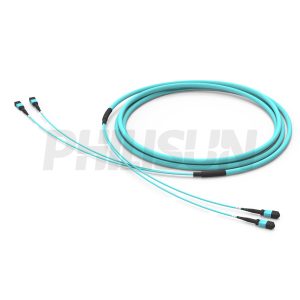
24 Fibers Series
24-fiber MPO trunk assemblies support high-density backbone cabling. Choose fiber type, polarity, gender and length.
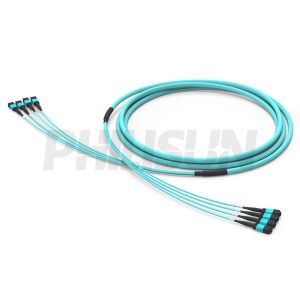
32 Fibers Series
32-fiber MPO trunk assemblies support high-density backbone cabling. Choose fiber type, polarity, gender and length.
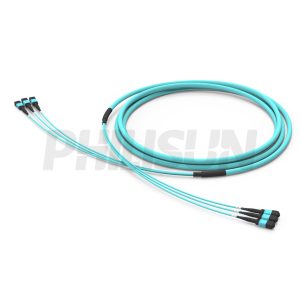
36 Fibers Series
36-fiber MPO trunk assemblies support high-density backbone cabling. Choose fiber type, polarity, gender and length.
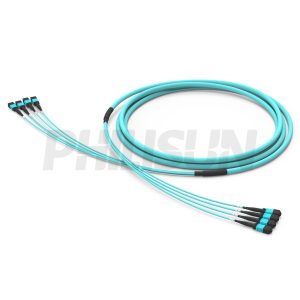
48 Fibers Series
48-fiber MPO trunk assemblies support high-density backbone cabling. Choose fiber type, polarity, gender and length.
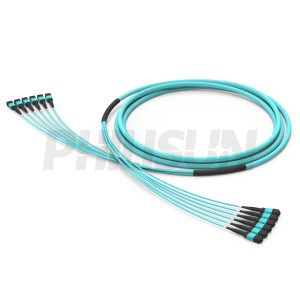
72 Fibers Series
72-fiber MPO trunk assemblies support high-density backbone cabling. Choose fiber type, polarity, gender and length.
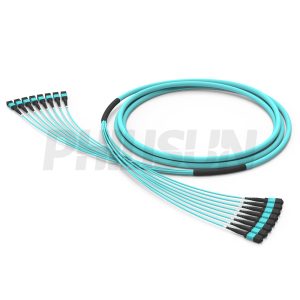
96 Fibers Series
96-fiber MPO trunk assemblies support high-density backbone cabling. Choose fiber type, polarity, gender and length.
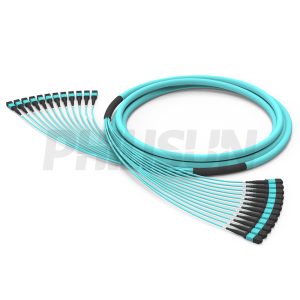
144 Fibers Series
144-fiber MPO trunk assemblies support high-density backbone cabling. Choose fiber type, polarity, gender and length.
MPO Trunk Cable Selection Guide
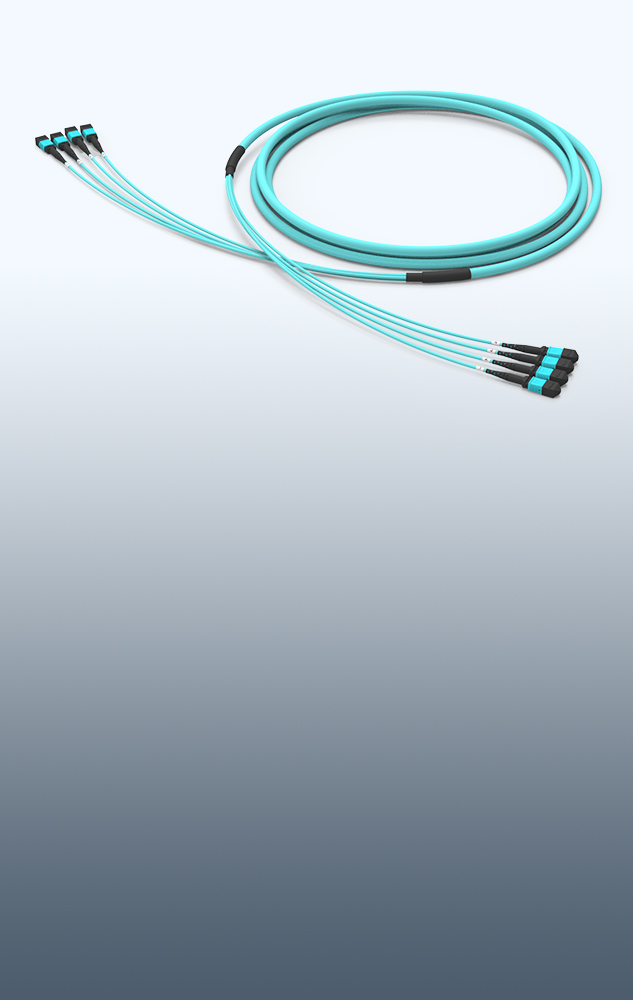
MPO trunk cables are factory-terminated multi-fiber assemblies used to build high-density data center backbones, cross-connects, cabinet links and pre-terminated fiber routes. PHILISUN supports MPO trunk cable options from 24 to 144 fibers with OS2, OM3, OM4 and OM5 fiber, low-loss connectors, polarity mapping, labels and project test reports.
| MPO trunk option | Best fit | Key specifications | Browse series |
|---|---|---|---|
| 24 fibers | Small cabinet links, rack interconnects and 2 x 12-fiber trunk routes. | MPO-12 layout, Type A/B/C polarity, pinned or unpinned gender and low-loss grade. | 24 Fibers Series |
| 32 or 36 fibers | Parallel optics, 400G/800G planning and designs that use MPO-16 or multiple base-12 paths. | Fiber count, breakout mapping, connector gender, fiber mode and route label format. | 32 Fibers Series |
| 48 or 72 fibers | Data center backbone, MDA-HDA links and scalable patch panel routes. | Trunk length, pulling eye, jacket rating, polarity method, packing group and test report. | 48 Fibers Series |
| 96 or 144 fibers | High-density backbone routes, large cabinet groups and cross-connect expansion. | Route grouping, bend radius, installation protection, labeling and insertion-loss budget. | 144 Fibers Series |
How to specify an MPO trunk cable
- Define the route: rack, cabinet, MDA, HDA, ZDA or equipment zone, plus pathway length, bend radius and pulling method.
- Select fiber count and connector: MPO-12, MPO-16 or MPO-24 layout, fiber count, pinned/unpinned gender and connector end layout.
- Confirm polarity: Type A, Type B, Type C or project-specific mapping should match cassettes, breakout cables and transceiver lanes.
- Choose fiber and loss grade: OS2, OM3, OM4 or OM5, standard-loss or low-loss MPO connector, and the insertion-loss budget for the link.
- Document project handoff: serial labels, rack labels, packing by route, test reports, polarity records and end-face inspection results.
| Project need | Recommended starting point | Useful related page |
|---|---|---|
| Data center backbone or leaf-spine cabling | MPO trunks matched with cassettes, LC patch cords and optical transceivers. | Data Center Fiber Solutions |
| AI/HPC cluster cabling | Low-loss MPO routes with clear polarity and label control for GPU/server network changes. | AI & HPC Network Fiber Solutions |
| Breakout or harness connection | Coordinate trunk polarity with MPO breakout and MPO harness cable mapping. | MPO Breakout Cable |
| Complete MPO product BOM | Combine trunk cables with MPO assemblies, cassettes, patch cords, panels and cleaning tools. | MPO Cable Assemblies |
| Structured cabling plan | Map backbone routes before ordering lengths, polarity, labels and test records. | Structured Cabling Guide |
For a custom MPO trunk cable quote, send the fiber count, fiber type, connector type, gender, polarity, length, jacket, pulling-eye requirement, route labels, packing group and test report requirements. PHILISUN can help align the trunk cable with your fiber optic product BOM. For project support, contact PHILISUN.
MPO Trunk Cable FAQ
What is an MPO trunk cable?
An MPO trunk cable is a pre-terminated multi-fiber cable assembly with MPO connectors on both ends. It is commonly used for data center backbone cabling, high-density patching and modular fiber routes between panels, cabinets and equipment areas.
How do I choose the fiber count for an MPO trunk cable?
Start with the port count, fiber lane requirement and patch panel layout. Smaller cabinet routes may use 24 fibers, while backbone and cross-connect routes often use 48, 72, 96 or 144 fibers for easier expansion.
Which MPO polarity should I use?
The correct polarity depends on the full channel, including trunk cable, cassette, breakout cable, patch cord and transceiver lane mapping. Type A, Type B and Type C should be selected before ordering so the installed link matches the optical path.
Should MPO trunk cables use OS2, OM3, OM4 or OM5 fiber?
Use OS2 for single-mode backbone and longer-reach links. Use OM3 or OM4 for common multimode data center routes, and choose OM5 when the network design specifically requires wideband multimode fiber.
What information is needed for a custom MPO trunk cable?
Provide fiber count, connector type, gender, polarity, fiber mode, jacket, length, pulling-eye requirement, route labels, quantity, packaging group and required test reports such as insertion loss, return loss, polarity and end-face inspection.
Need Help Designing Your MPO Trunk Cabling?
Tell us your network architecture and port requirements, and our team will recommend the right MPO trunk cable solution for your deployment.
Related Fiber Optic Products
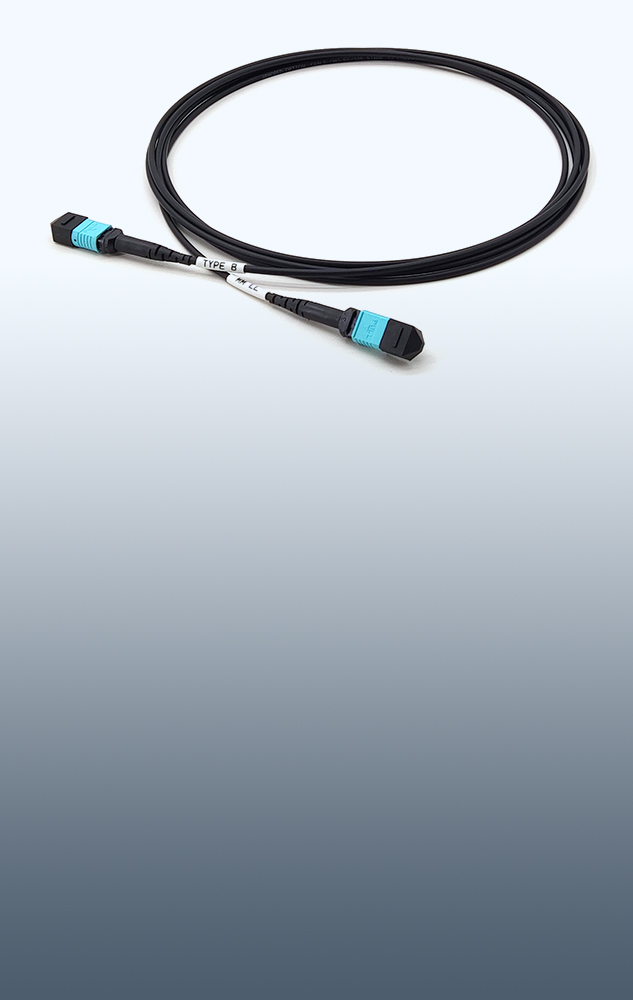

MPO Cassette Guides & Modular Fiber Solutions Insights
Simplex vs Duplex Fiber: Understanding Fiber Types and When to Use MPO
What is the difference between Simplex and Duplex fiber? We explain the applications for each, from BiDi transceivers to standard LC patch cords, and introduce the future: MPO parallel optics.
What Are The Min and Max Bend Radius of Fiber Optic Cable?
We clarify the critical difference between the fiber bend radius(MBR) required for installation (Max) and the tighter, static radius (Min) that governs long-term cable durability.
OM3 vs OM4 vs OM5 for Data Center Cabling
Unravel the OM3, OM4, OM5 confusion. Get a clear breakdown of multimode fiber performance, costs, and applications for 10G to 100G.
MPO trunk cables specification checklist for serious buyers
MPO trunk cables should be selected as part of a complete optical channel, not as an isolated SKU. For PHILISUN customers, the practical goal is to convert the network requirement into a repeatable specification that production, testing, packing and field installation can all follow. That means the buyer should define the link role, equipment interface, cable route, operating environment and acceptance records before comparing unit prices.
This checklist also helps teams compare alternatives consistently across repeated purchasing cycles.
In most projects, MPO trunk cables serve as pre-terminated backbone assemblies for high-density links between racks, zones, panels and modular cabling systems. The correct choice depends on the port type, required speed, route distance, density target, maintenance process and future migration plan. A product that looks suitable on a data sheet can still create field issues if the bend radius, label format, polarity, coding, packing group or test report does not match the real deployment.
Confirm the link role before requesting a quote
Start by naming where the assembly will be used: switch-to-server, rack-to-rack, panel-to-panel, equipment breakout, backbone, access link, AI cluster link or maintenance spare. This small step makes the rest of the selection much easier. A short high-density rack link may prioritize handling, airflow and connector density, while a backbone or pre-terminated route may prioritize length accuracy, pulling protection, loss budget and labeling discipline.
Also decide whether the order is for a one-time replacement, a pilot build, a repeat production batch or a multi-site deployment. Replacement orders need exact compatibility with existing stock. Pilot orders need enough detail to validate the architecture. Multi-site orders need stable naming, packing and test documentation so every site receives the same interpretation of the specification.
Lock down the technical options
The most common ordering mistakes happen when one important option is assumed instead of written down. Use the checklist below before finalizing a bill of materials:
- route length
- fiber count
- polarity
- gender
- jacket rating
- pulling and protection method
- required speed or application
- equipment brand and port type
- route length and service-loop allowance
- connector, polish, gender or polarity details
- fiber mode or cable construction
- jacket color, rating and diameter
- label format and packing group
- insertion loss, return loss or compatibility test requirement
When these details are known, PHILISUN can recommend whether the project should use standard stock, a custom length, a low-loss option, a different cable family or a different migration path. This is especially important for 100G, 400G and 800G environments, where a small mismatch in reach, connector type, polarity or host support can delay deployment.
Plan testing, labels and spares at the same time
Testing and documentation are part of the product, not an afterthought. For fiber assemblies, request the records that match the risk of the link: insertion loss, return loss, polarity or continuity verification, end-face inspection, DOM/DDM compatibility where relevant, and any serial or packing identifiers needed by the installation team. For repeated orders, keep the same naming rule across labels, packing lists and test files.
Spare planning should follow the same logic. Keep spares grouped by form factor, fiber type, length, polarity, coding and equipment platform. If two assemblies look similar but serve different routes or hosts, use labels and packing groups to prevent accidental mixing. This reduces troubleshooting time and makes future expansion easier.
When to request a custom review
Request a custom review when the project includes non-standard lengths, mixed equipment brands, high-density racks, special jacket requirements, strict loss limits, phased deployment, or a migration from 100G to 400G or 800G. These situations benefit from checking the full channel instead of approving the product line one item at a time. A short review can confirm whether the current specification is complete, whether a related product family would reduce risk, and whether the order needs special labels, packing groups or compatibility testing before shipment.
Related PHILISUN planning pages
For adjacent product families and solution planning, review MPO cable assemblies, MPO harness cables, MPO breakout cables, MPO fiber enclosures and contact PHILISUN.