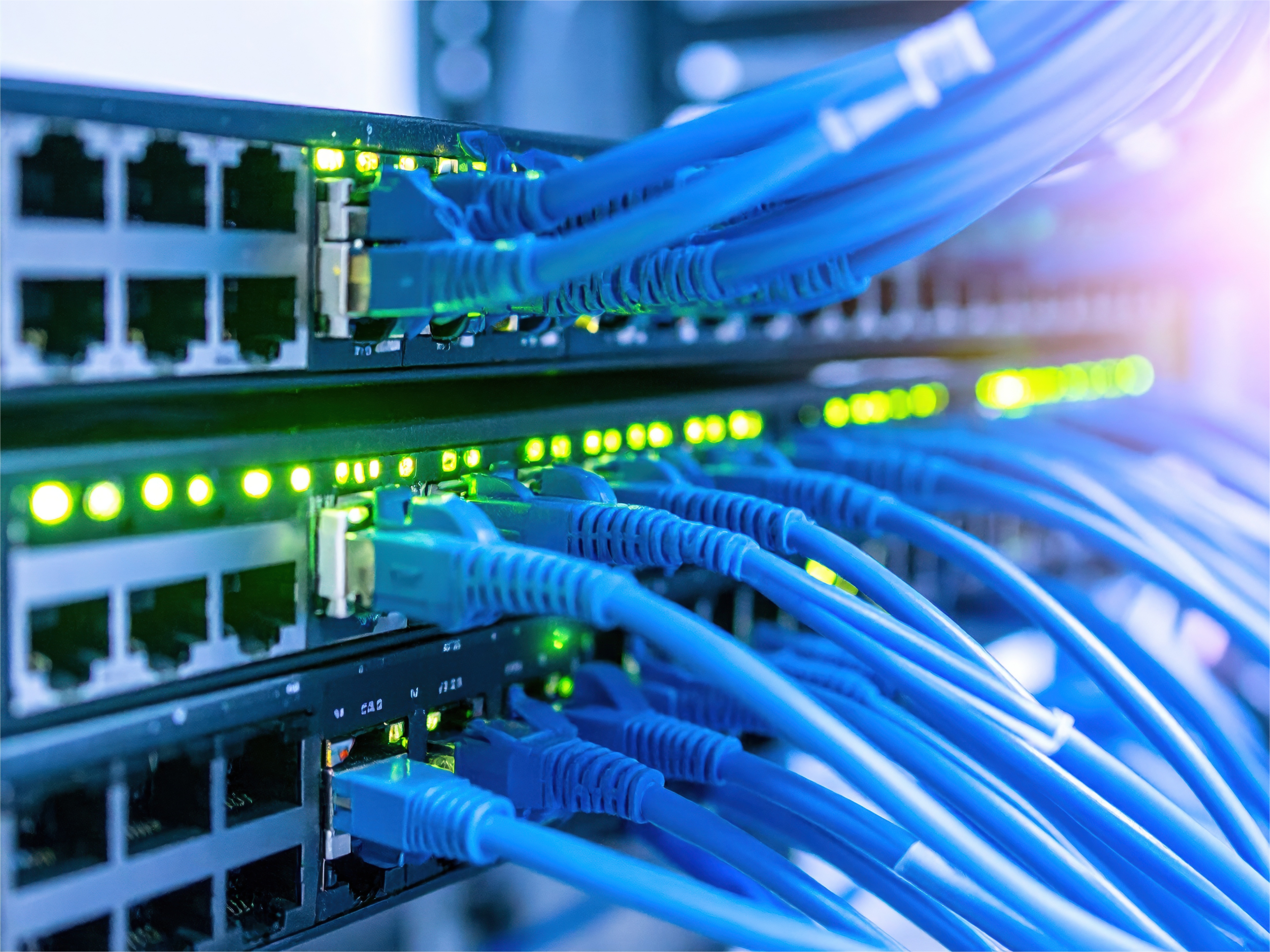

An SFP port is a standardized, hot-swappable host cage and electrical interface on a switch, router or network card. It needs a compatible transceiver, DAC or AOC to form a link. An optical transceiver performs the electrical-to-optical conversion; an RJ45 copper module does not convert the signal to light.
SFP Port, Module, Connector and Cable
| Part | What it is | What it does |
|---|---|---|
| Port/cage | The host-side mechanical slot and electrical interface. | Accepts a supported pluggable device; an empty port does not make a cable link. |
| Module | A removable optical or RJ45 copper transceiver. | Implements the selected medium, rate, connector and reach. |
| Connector | The mating interface on the module or cable, such as LC, MPO/MTP or RJ45. | Joins the removable link to the module. |
| Cable | Fiber, twisted-pair copper, DAC or AOC. | Carries the signal to the remote endpoint. |
How an SFP Port Builds a Link
- Fiber optic transceiver: host electrical interface → optical transceiver → LC or MPO/MTP connector → matching fiber. The transceiver converts between electrical and optical signals.
- RJ45 copper module: host electrical interface → copper transceiver → RJ45 connector → twisted-pair cable. It uses electrical signaling and does not convert the link to light.
- Direct attach copper (DAC): host cage → integrated passive or active copper cable assembly → remote compatible cage. There is no separate field-removable transceiver at each end.
- Active optical cable (AOC): host cage → integrated electro-optical cable assembly → remote compatible cage. The optical conversion is built into the cable ends.
SFP Port vs RJ45 Port
| Decision factor | SFP-family port | Fixed RJ45 port |
|---|---|---|
| Media flexibility | Can support selected optics, copper modules, DACs or AOCs when the host permits. | Designed for compatible twisted-pair Ethernet cabling. |
| Distance | Depends on the inserted device and media; options range from short DACs to long-reach optics. | Depends on the Ethernet standard and cable category; 100 m is common, not universal. |
| Cost and power | Varies by module/cable; copper pluggables may have important power and heat limits. | Integrated interface avoids a separate module. |
| Latency | Depends on the link implementation; do not assume the cage alone is faster. | Depends on PHY and link implementation; do not assume unconditional superiority. |
SFP, SFP+, SFP28 and QSFP Port Quick Reference
| Port family | Common Ethernet rate | Host-interface note |
|---|---|---|
| SFP | 1G | Small-form-factor cage; some hosts also support 100M. |
| SFP+ | 10G | Same general form factor as SFP, but supported modules and fallback rates are host-dependent. |
| SFP28 | 25G | Small-form-factor 25G host interface; physical fit is not a compatibility guarantee. |
| QSFP+ | 40G | Quad-lane host interface; connector and breakout behavior depend on module and platform. |
| QSFP28 | 100G | Quad-lane host interface; supported rates and split modes are device-dependent. |
For lane, form-factor, breakout and pairwise compatibility decisions, use the SFP, SFP+, SFP28, QSFP+ and QSFP28 comparison guide. This page stays focused on what the port is and how to build a working link.
SFP Port Compatibility Checklist
- Host model and port label: record the switch, router or NIC model and the exact cage label.
- Supported rate: confirm the port and remote endpoint support the intended line rate and configuration.
- Vendor coding: check the host’s MSA support, approved coding policy and firmware restrictions.
- Wavelength: optical modules at both ends must use a matching or complementary wavelength plan.
- Fiber mode: match single-mode or multimode fiber to the optic specification.
- Connector: verify LC, MPO/MTP, RJ45 or the integrated cable-end format.
- Distance: stay within the specified reach and optical link budget or copper limit.
- DOM and temperature: confirm diagnostic support and the required operating-temperature range.
Combo Ports and Uplink Ports
Combo-port and uplink behavior is device-dependent. A combo SFP cage may share one logical interface with an adjacent RJ45 port so only one can be active, while a dedicated uplink cage may have different rate or module restrictions. Check the switch manual, port map and configuration guide before inserting a module.
How to Connect and Troubleshoot an SFP Link
- Identify both host ports and select supported modules or a supported DAC/AOC.
- Match speed, wavelength, fiber mode, connector and reach at both ends.
- Insert and latch each module, then connect the cleaned cable with the correct polarity.
- Enable or configure the interfaces as required and check link state, logs and DOM readings.
| If the link stays down | What to verify |
|---|---|
| 1. Speed at both ends | Port rate, autonegotiation and forced-speed settings agree. |
| 2. Wavelength at both ends | Optics are a matching pair, including BiDi transmit/receive wavelengths. |
| 3. Media and fiber mode | Optics, single-mode/multimode fiber and cable construction match. |
| 4. Tx/Rx polarity | Transmit on each end reaches receive on the other. |
| 5. Vendor coding | The host accepts the module or cable and logs no unsupported-transceiver alarm. |
| 6. Clean connector end faces | Inspect and clean before reconnecting; do not troubleshoot through contamination. |
SFP Port FAQ
Is an SFP port the same as an SFP module?
No. The port is the host cage and electrical interface. A removable module or cable assembly plugs into it and determines the link medium, connector and reach.
Can an SFP port use copper instead of fiber?
Yes, when the host supports a compatible RJ45 copper module or DAC. Check the supported rate, power, temperature and distance instead of assuming every copper option works in every cage.
Why does an SFP link stay down after the modules are inserted?
Check the rate, wavelength, media, Tx/Rx polarity, vendor coding and connector cleanliness at both ends. Then review the host log and module diagnostics.
Can an SFP module work in an SFP+ port?
Sometimes, but only when the host hardware and firmware support that module and rate. Physical fit alone does not prove compatibility; check the device manual and port configuration.
Choose a Module for Your Exact Host Port
Review PHILISUN 1G SFP, 10G SFP+, 25G SFP28, 40G QSFP+, 100G QSFP28 and RJ45 SFP/SFP+ categories. For a specific recommendation, contact PHILISUN with the host model, port label, target speed, distance, media, fiber type, connector, wavelength and vendor-coding requirement.