
A Multi-Source Agreement (MSA) gives optical transceiver vendors and host-equipment vendors a common baseline for pluggable module form factors, electrical interfaces and management behavior. For buyers, however, MSA compliance is only the starting point: compatible optical transceivers still need to be selected and coded for the exact switch platform, port speed, fiber type, reach, and monitoring requirements. A module that fits the cage is not automatically the right module for Cisco, Arista, NVIDIA, Juniper, Dell, HPE, or other switch platforms.
The quick answer is simple: choose compatible transceivers by platform first, optics second. Confirm the switch model, operating system, port mode, module form factor, optical standard, reach, connector, DOM/DDM support, temperature range, and supplier test process before ordering.
PHILISUN Optical Transceivers can support compatible SFP, SFP+, SFP28, QSFP28, QSFP-DD, and OSFP module selection for data center, telecom, enterprise, AI, and HPC networks.
Fast Selection Rule
Do not order by speed alone. Send the switch model, port type, module standard, fiber type, link distance and DOM/DDM requirement before coding or buying compatible optics.
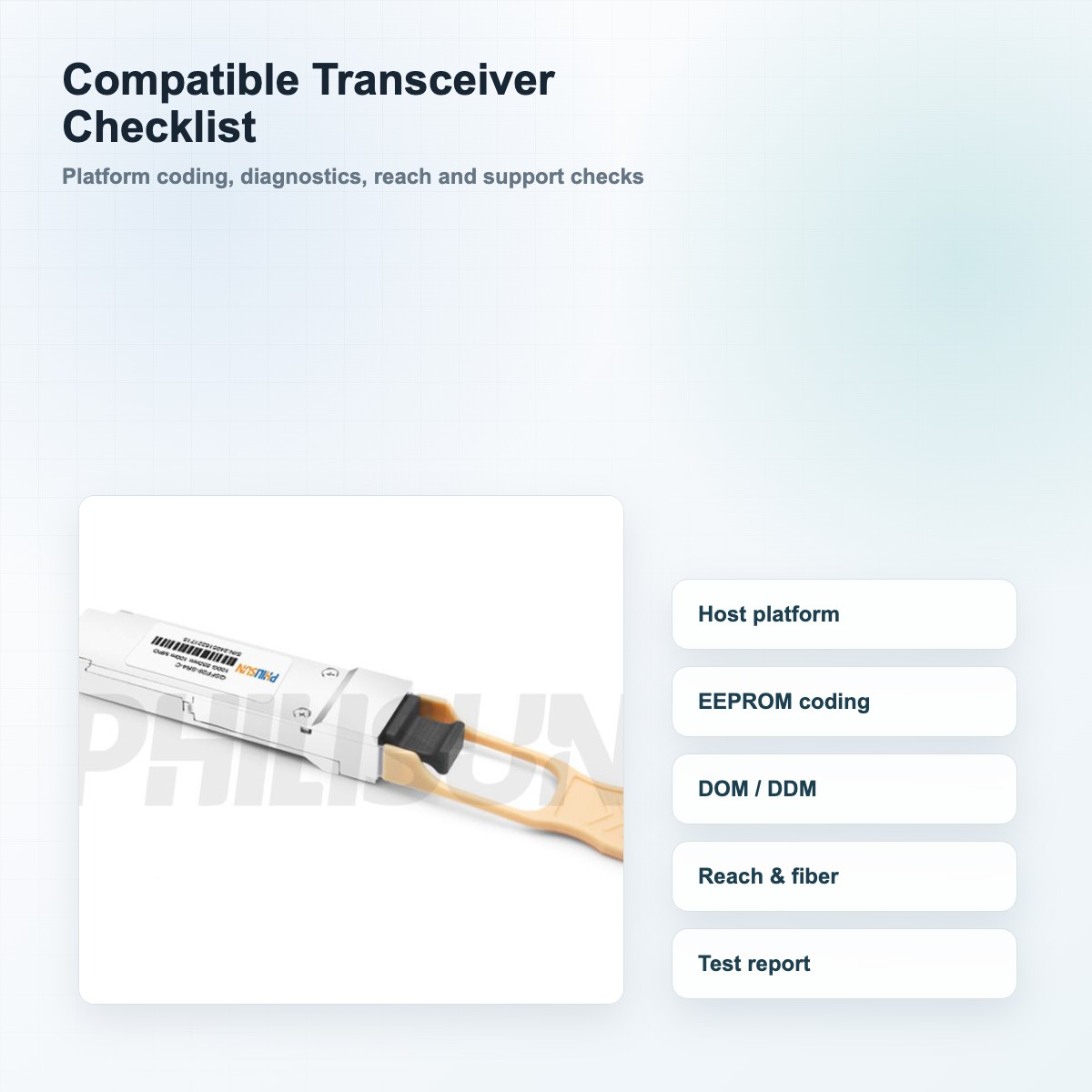
Quick Compatibility Checklist
| Check item | What to verify | Why it matters |
|---|---|---|
| Switch platform | Cisco, Arista, NVIDIA, Juniper, Dell, HPE, or another host | Each platform can read module ID fields and diagnostics differently |
| Exact switch model | Chassis, line card, fixed switch, NIC, or adapter model | A code that works on one platform may not work on another |
| Port form factor | SFP, SFP+, SFP28, QSFP+, QSFP28, QSFP-DD, OSFP | The physical cage and electrical interface must match |
| Speed and protocol | 1G, 10G, 25G, 40G, 100G, 400G, 800G Ethernet or InfiniBand | Port mode and module protocol must be compatible |
| Optical reach | SR, LR, ER, ZR, CWDM, DWDM, BiDi, PSM, DR, FR, or LR | Reach determines laser type, wavelength, connector, and fiber plant |
| Fiber and connector | OM3/OM4/OM5, OS2, duplex LC, MPO/MTP | The module must match the installed cabling system |
| DOM/DDM | Optical power, temperature, voltage, bias current monitoring | Helps operations teams troubleshoot and document link health |
| Test evidence | Coding test, traffic test, optical test, and serial report | Reduces the risk of warning messages, link flaps, and field delays |
If any of these items are missing from the purchase request, pause before buying. The safest first step is to send the switch model, port speed, required reach, fiber type, and current module part number to the transceiver supplier.
What Does "Compatible Transceiver" Mean?
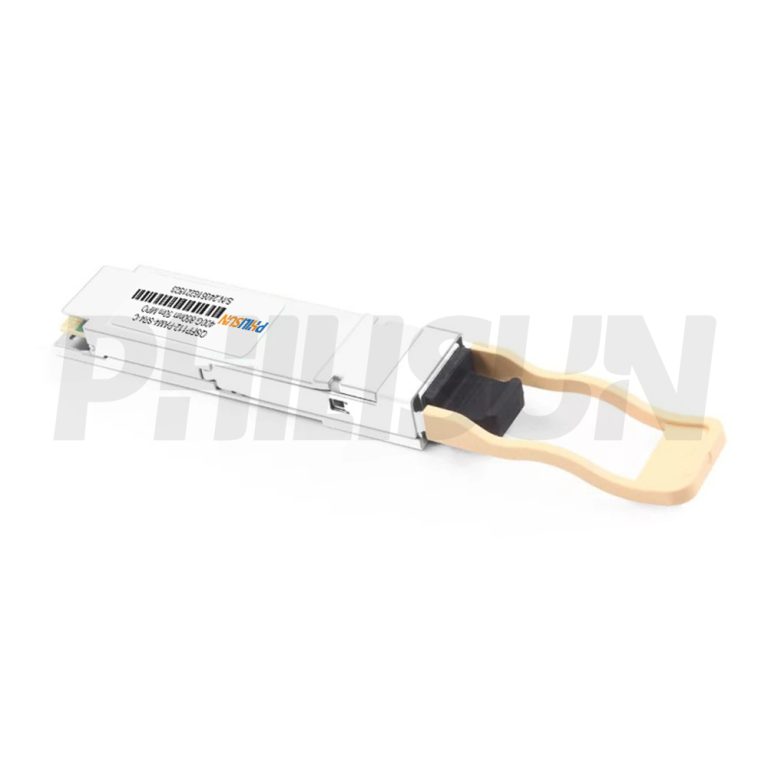
A compatible optical transceiver is a third-party module designed to operate in a target switch, router, NIC, or server adapter. It should match the host platform's physical interface, electrical interface, optical specification, digital diagnostics, and coding expectations.
Compatibility is not one single feature. It is a combination of:
- Mechanical fit in the port cage
- Electrical interface compatibility with the host
- Optical standard compatibility with the fiber link
- EEPROM coding recognized by the host platform
- DOM or DDM monitoring behavior
- Firmware and operating system behavior
- Supplier testing against the target platform or platform family
This is why two modules with the same speed and reach can behave differently in the same switch. The difference may be in EEPROM coding, identifier fields, diagnostic values, vendor name fields, power class, or how the host validates the module.
For a broader overview of module form factors and speeds, read the PHILISUN SFP Module Guide.
Why Switch Coding Matters
Many switches read identification and diagnostic data from the module when it is inserted. This data is often stored in EEPROM memory. The host may check the transceiver type, speed, wavelength, vendor fields, part number behavior, power class, and monitoring support.
When the coding does not match the platform expectation, the link may still work in some systems, but it can also trigger warnings or operational restrictions. Common field symptoms include:
- "Unsupported transceiver" or "Uncertified module" warning
- Port stays down after insertion
- Link comes up but drops under traffic
- DOM/DDM values are missing or inaccurate
- Speed negotiation fails
- Breakout mode does not match the port configuration
- The module works in one switch but not another
If your team is already seeing warning messages, use the PHILISUN SFP Module Not Recognized troubleshooting guide to isolate coding, port mode, fiber, firmware, and module issues.
Cisco Compatible Transceivers
Cisco environments often require careful matching between the switch model, IOS or NX-OS behavior, port type, and transceiver code. A 10G SFP+ SR module for one Cisco switch may not be the best choice for a newer 25G, 100G, or 400G platform.
When specifying Cisco compatible modules, collect:
- Switch or router model
- Line card or port module model if used
- Software version when available
- Port speed and breakout mode
- Existing OEM part number or third-party module label
- Fiber type and link distance
- Whether DOM/DDM is required in monitoring tools
For 25G access or server links, review PHILISUN SFP28 25G Series. For 100G switch uplinks, the QSFP28 100G Series is usually the more relevant starting point.
Arista Compatible Transceivers
Arista switches are widely used in leaf-spine data center networks, so compatibility planning should include switch software, port mode, breakout configuration, and whether the link uses short-reach multimode, single-mode duplex, or parallel optics.
For Arista compatible transceivers, confirm:
- EOS version if the network team can provide it
- Port speed and allowed breakout modes
- Whether the link is switch-to-switch, switch-to-server, or switch-to-transponder
- Whether the port uses 10G, 25G, 40G, 100G, 400G, or 800G optics
- Cabling type: OM4 multimode, OS2 single-mode, MPO/MTP, or LC
- Required diagnostics for network monitoring
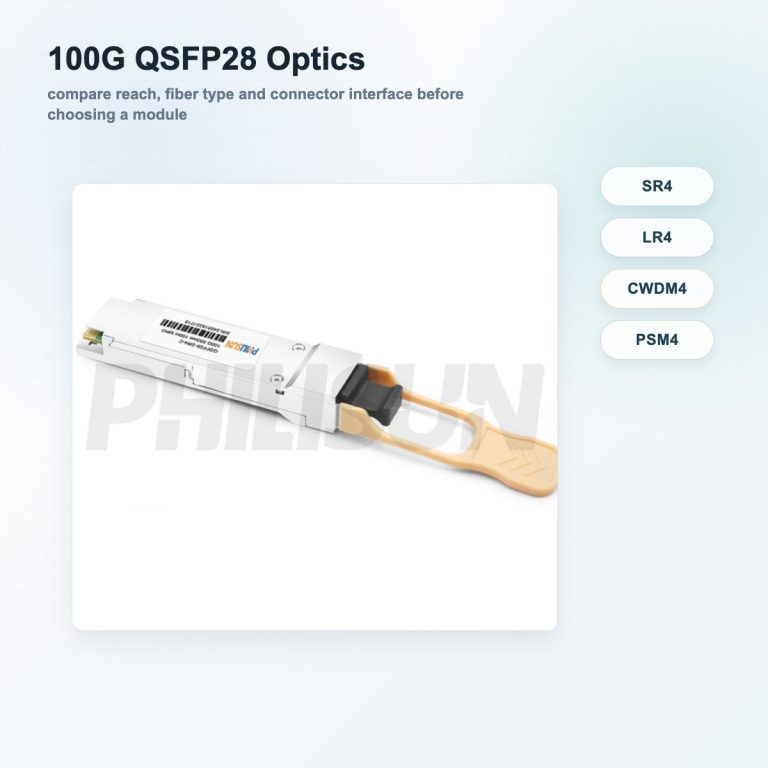
At 100G, many buyers compare SR4, LR4, CWDM4, and PSM4 before coding becomes the final step. The PHILISUN 100G QSFP28 SR4 vs LR4 vs CWDM4 vs PSM4 guide explains how those optics differ by reach, connector, and fiber plant.
NVIDIA Compatible Transceivers
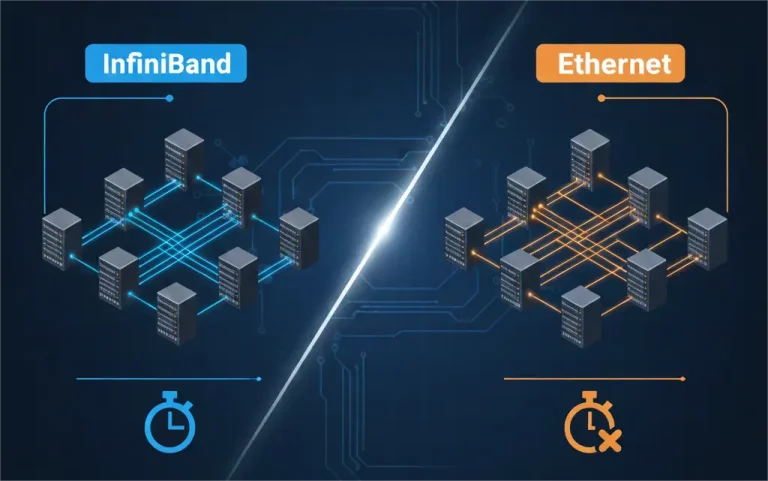
NVIDIA networking environments can include Ethernet switches, InfiniBand switches, ConnectX adapters, BlueField DPUs, and high-speed AI cluster interconnects. Compatibility planning is especially important because the link may combine optical modules, DAC, AOC, ACC, or AEC cables across 100G, 200G, 400G, or 800G speeds.
For NVIDIA compatible transceivers and cables, define:
- Whether the link is Ethernet or InfiniBand
- Switch, NIC, adapter, or DPU model
- Target speed and lane structure
- Cable or optic form factor: QSFP28, QSFP56, QSFP-DD, OSFP, or other
- Port-to-port layout and rack distance
- Whether the design needs optical modules, AOC, DAC, ACC, or AEC
- Thermal and airflow limits in dense AI racks
For 400G optical links, start with PHILISUN QSFP-DD 400G Series. For 800G high-density deployments, review the QSFP-DD 800G Series.
OEM vs Third-Party Compatible Modules
OEM modules are often selected when the network team wants a single vendor support path, strict documentation, or a standardized approved parts list. Third-party compatible modules are often selected when the project needs cost control, shorter lead time, multi-vendor platform support, or custom coding.
This is not only a price decision. The safer decision depends on the operating environment.
| Scenario | OEM module may fit better | Compatible module may fit better |
|---|---|---|
| Strict vendor support policy | Yes, especially if the policy requires OEM optics | Only if the customer accepts third-party optics |
| Multi-vendor network | Can become costly and fragmented | A supplier can code for several platforms |
| Urgent replacement | Stock may vary by OEM channel | Compatible inventory may be easier to source |
| Standard data center link | Works if budget allows | Often practical when properly tested |
| Special coding request | Limited to OEM part behavior | Supplier may provide platform-specific coding |
| Large rollout | Predictable but expensive | Needs stronger pre-deployment testing |
The key is not to treat compatible modules as generic parts. Treat them as platform-specific network components that need a bill of materials, test method, and support path.
What Test Report Should Buyers Request?
A good compatible module supplier should be able to explain how the module was selected and tested. For important projects, ask for more than a product photo.
Useful test evidence includes:
- Module type, wavelength, reach, and connector confirmation
- Host platform or platform-family compatibility notes
- EEPROM coding or platform coding confirmation
- DOM/DDM readout screenshot or report
- Transmit and receive optical power values
- Bit error or traffic test when applicable
- Serial number or batch traceability
- Temperature range and power class information
- Packaging label and module label consistency
For high-speed modules, also ask whether the optical link budget matches the fiber path. A 100G, 400G, or 800G link can fail even when the module is correctly coded if the fiber plant, connector cleanliness, polarity, or distance budget is wrong.
Common Error Messages and Likely Causes
| Symptom | Likely cause | First check |
|---|---|---|
| Unsupported transceiver warning | Coding mismatch or host policy | Confirm platform code and OS behavior |
| Port remains down | Wrong speed, disabled port, bad fiber, or incompatible module | Check port config and module type |
| Link flaps | Marginal optical power, dirty connector, firmware behavior, or thermal issue | Check DOM/DDM and clean connectors |
| No DDM reading | Diagnostic support mismatch | Confirm module supports DOM/DDM on that host |
| Wrong speed detected | Port mode or breakout mismatch | Check switch port configuration |
| One side up, one side down | Fiber polarity, TX/RX mismatch, or different standards | Verify fiber path and matching optics |
Do not solve these issues by replacing modules randomly. First collect the port log, module model, host model, module DOM/DDM output, and fiber path details. This usually narrows the problem quickly.
How to Order Compatible Transceivers
Use this purchasing checklist before sending a request:
- Switch, router, NIC, or adapter brand
- Exact model and port type
- Current software version if known
- Required speed and protocol
- Optical standard or OEM part number
- Fiber type, connector, and link distance
- Single-mode or multimode cabling
- Duplex LC, MPO/MTP, or breakout requirement
- DOM/DDM monitoring requirement
- Operating temperature requirement
- Quantity, lead time, and spare strategy
- Whether the project needs sample testing before bulk purchase
For example, "100G QSFP28 SR4 for Cisco Nexus, 100 m over OM4 MPO, DOM required" is much more useful than "Cisco 100G optic." The first request allows the supplier to check the host platform, optics type, connector, reach, and monitoring requirements.
FAQ
Does MSA compliance guarantee switch compatibility?
No. MSA compliance helps with the physical, electrical and management baseline of the module, but switch compatibility still depends on platform coding, firmware behavior, diagnostics, reach, fiber type and supplier testing.
Are compatible optical transceivers safe to use?
They can be safe and reliable when they are selected for the correct host platform, optical standard, and fiber plant, and when the supplier provides proper testing and support. The risk increases when modules are ordered only by speed or connector without platform details.
Why does a switch show an unsupported transceiver warning?
The most common causes are EEPROM coding mismatch, platform policy, firmware behavior, wrong module type, or a transceiver that does not present expected diagnostic information. The warning does not always mean the optics are physically defective, but it should be investigated before deployment.
Can one compatible transceiver work in Cisco, Arista and NVIDIA switches?
Sometimes a module can be coded or selected for multiple platform families, but you should not assume one generic code is ideal for every switch. Provide the exact host models so the supplier can choose or code the right module.
What information should I send before ordering?
Send the switch or adapter model, port speed, required reach, fiber type, connector type, OEM part number if available, software version if known, and whether DOM/DDM monitoring is required.
Should I test samples before a large rollout?
Yes. For production networks, AI clusters, or multi-site rollouts, sample testing is a practical way to verify host recognition, link stability, diagnostics, and fiber compatibility before ordering at scale.
Need Compatible Transceivers for Your Platform?
Send your switch model and required module type. PHILISUN can recommend and code compatible transceivers for your platform, including Cisco, Arista, NVIDIA and other data center switch environments.